

Start with a complete built-in camera session
Install ShutterTrax and allow camera access. Create the event, select the front or rear camera and take a full sequence. Check the output in your final layout rather than judging the preview alone.
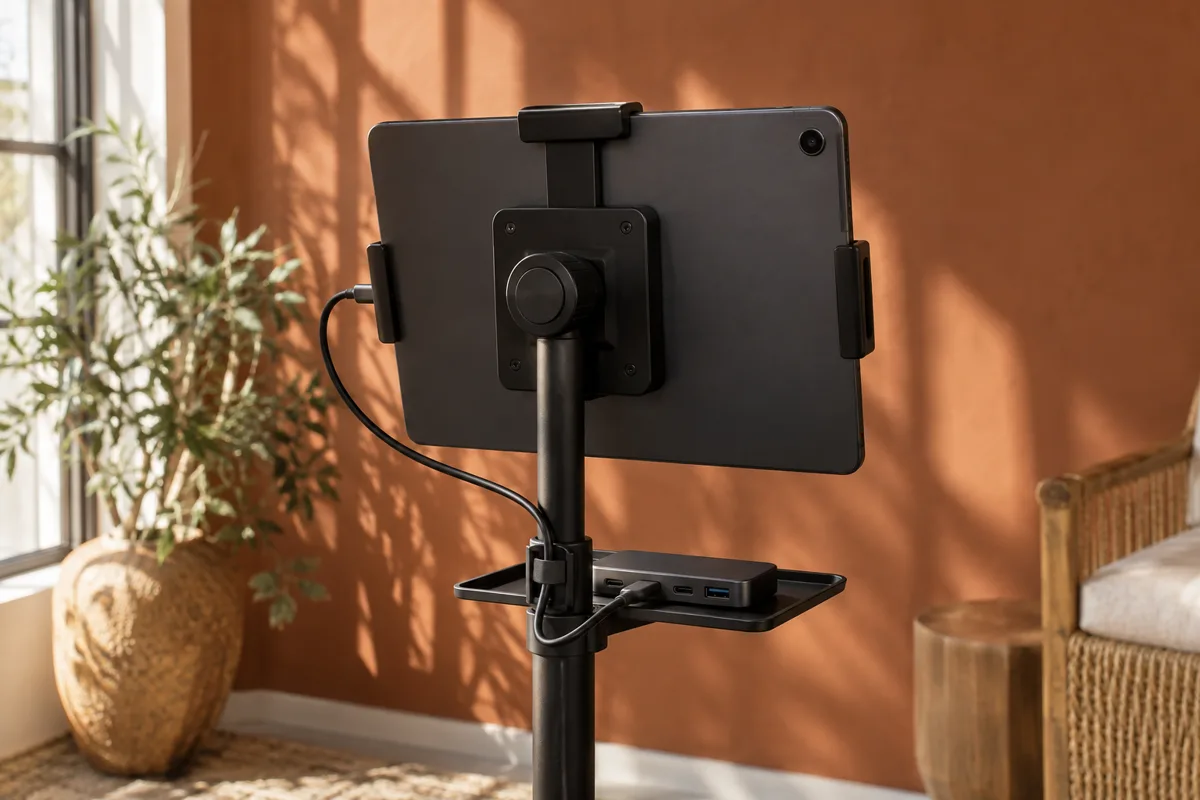
Use a stable stand and keep the charging cable clear of guests. Confirm that the tablet stays awake and connected to power throughout a rehearsal long enough to reveal heat or battery problems.
- Camera
Permission granted and saved photo checked
- Power
Charger connected without loose cables
- Layout
Every crop works for a group
- Offline
Prepared event captures, then syncs on a cloud plan
Do not assume every USB device will appear
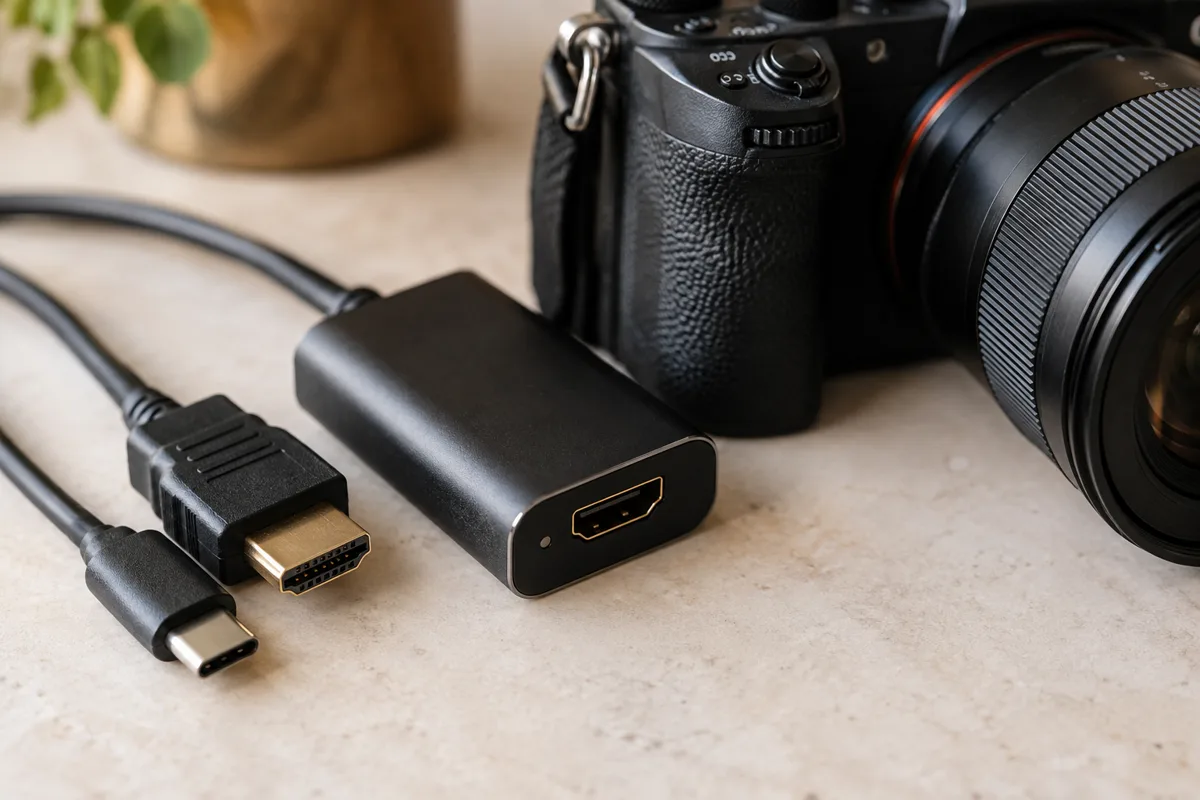
External cameras require ShutterTrax Pro and system support on the Android tablet. A webcam or capture card working on a computer does not prove that the tablet exposes it to camera apps.
Connect the equipment and open Hardware. If the external device appears, select it and use Test. If it does not, investigate tablet compatibility, power and cable support before buying another lens.
- Camera
Webcam, or a camera with clean HDMI
- Connection
Compatible USB device or capture card
- Android system
Must expose an external camera
- ShutterTrax Pro
Select the input and take a test shot
Prepare for the venue connection
Load your event and artwork while online. Test a session with Wi-Fi disabled, then reconnect and watch the queue. Cloud sharing needs a paid plan and a working connection.
Keep adequate local storage available and avoid clearing app data with sessions pending. Offline capture depends on those local files remaining on the device.
Choose by the kit, not the operating-system label
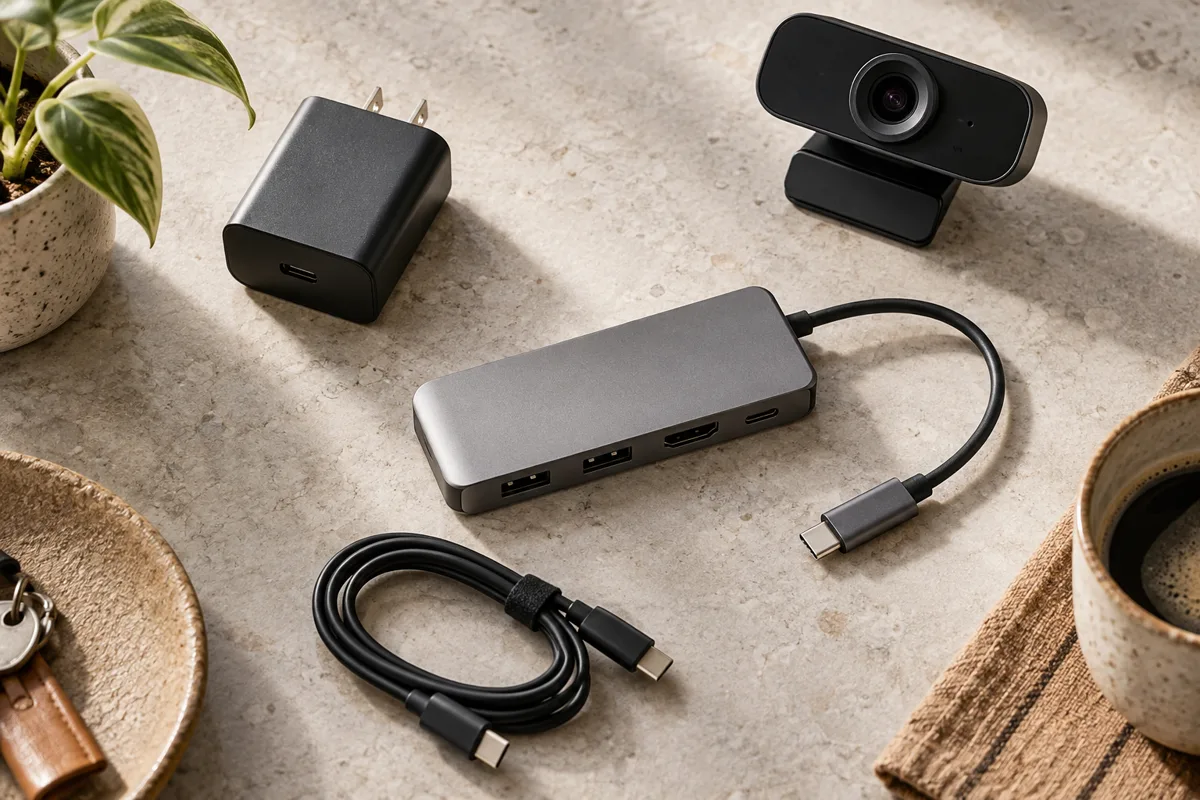
If you are choosing between iPad and Android, compare the tablets and accessories you will actually use. Check saved photo quality, charging while accessories are connected and how easy it is to replace a cable during an event.
Use our pricing comparison to separate the software cost from the hardware decision. A tablet that works reliably with your kit is worth more than a feature list for equipment you have not tested.
Make your next booth a ShutterTrax booth.
Try the local photo workflow for free. Explore cloud sharing and external camera options inside the app.
Get the app