A photo booth app
for good times.
Turn your iPad or Android tablet into an event photo booth. Design the photo strip, capture offline and give wedding guests, party crowds and company teams something worth keeping.
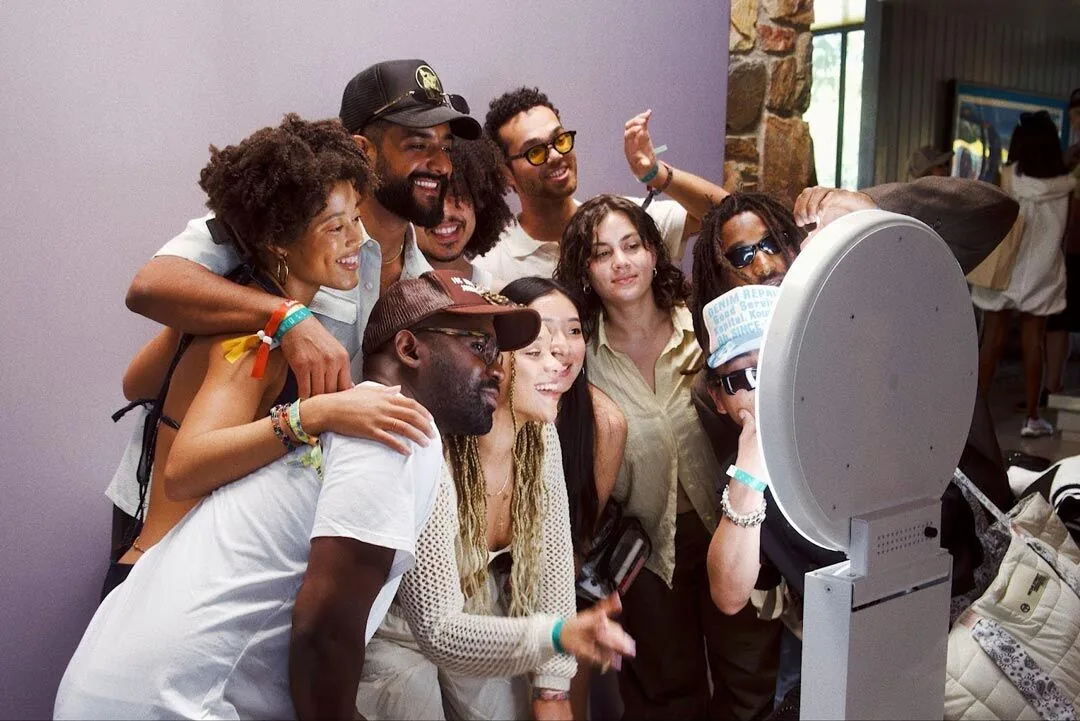

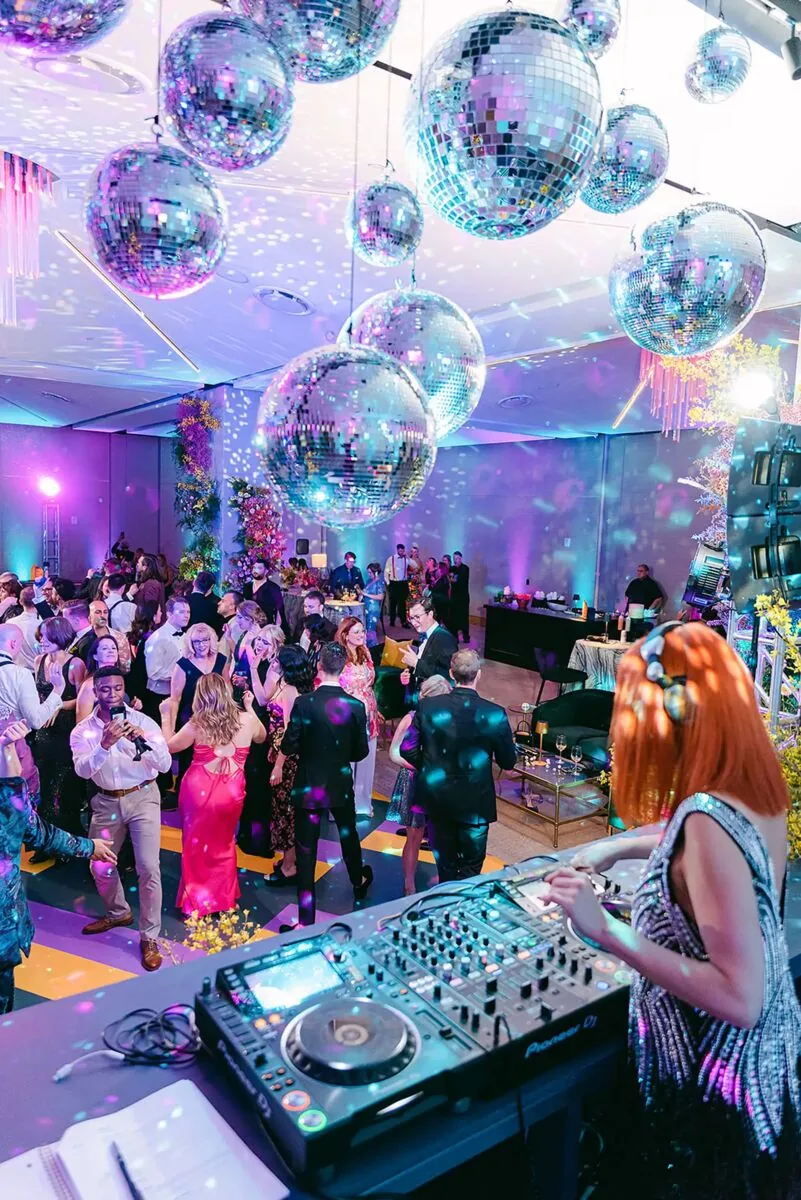
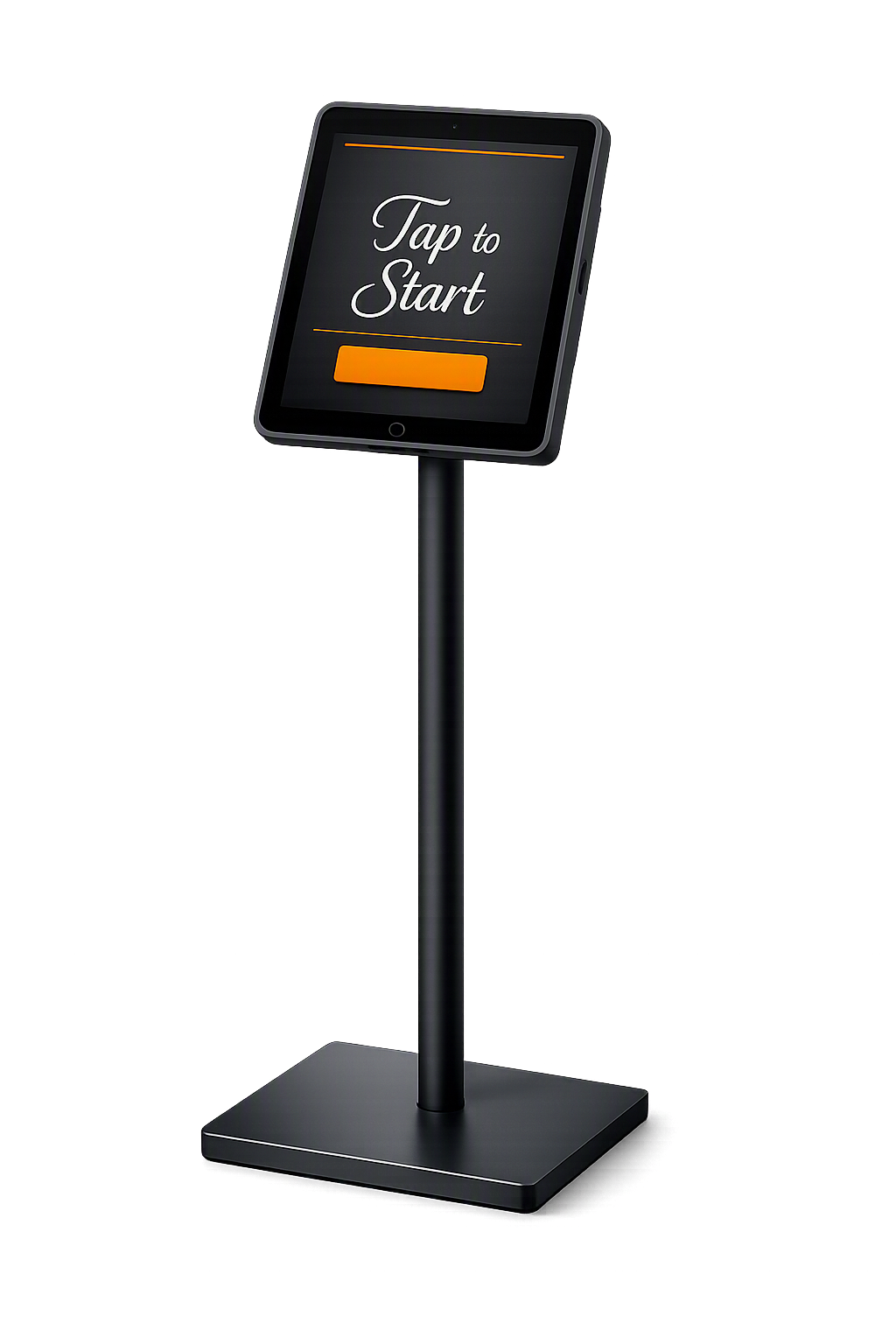
Drag to spin · tap the camera to flash
Most booth apps stop at the tablet camera. We built for the whole event.
01
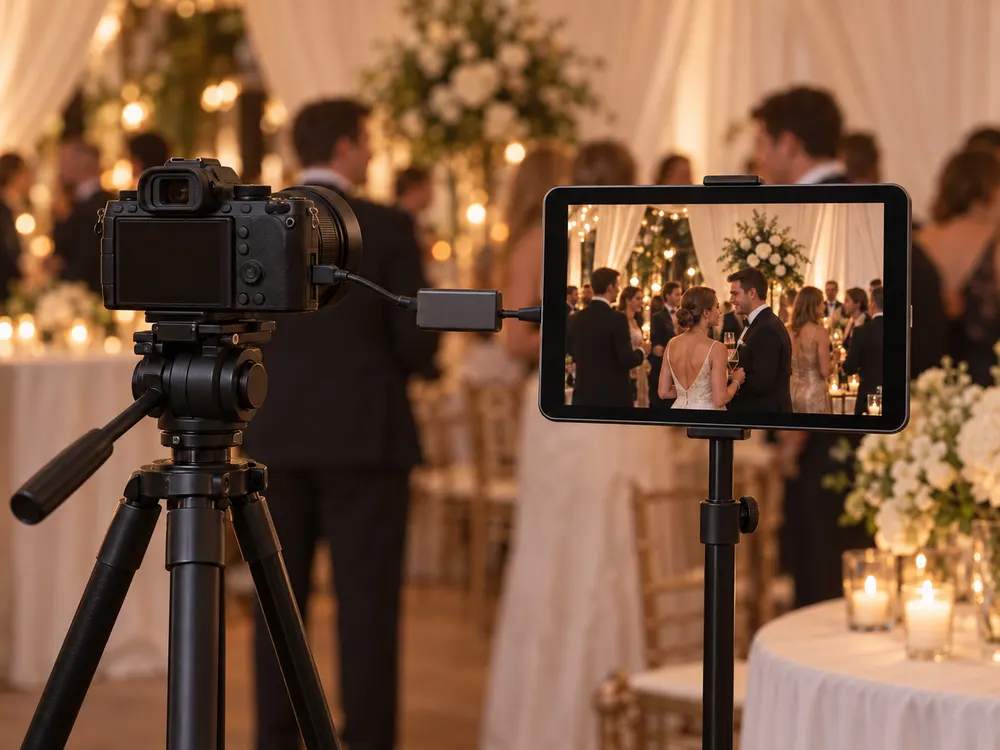
Shoot with real cameras
Connect a mirrorless, DSLR or webcam and get photos that look like a photographer took them.

02
Run it without staff
A locked kiosk that greets, shoots, shares and resets itself, all night, Wi-Fi or not.
03
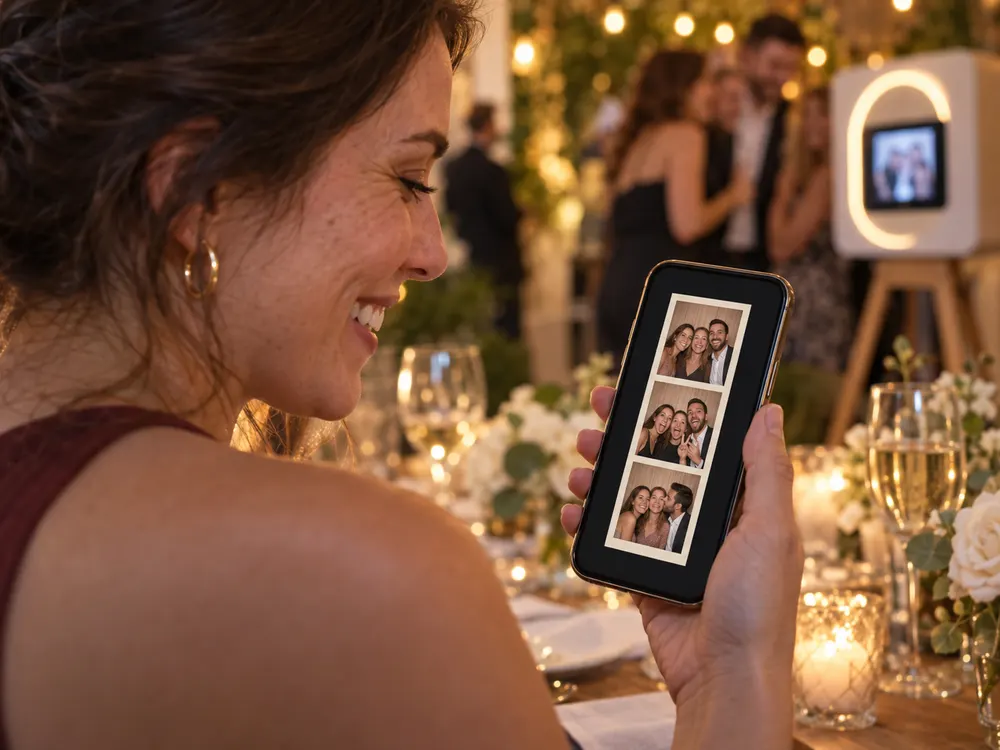
Deliver the moment
Strips, GIFs and a filter of their choice, on every guest’s phone before they’re back at the table.
The tablet booth that works with real cameras.
Plug your mirrorless or DSLR into the tablet through an HDMI capture adapter, or use a USB webcam. Real lenses, real light, the same easy booth flow.
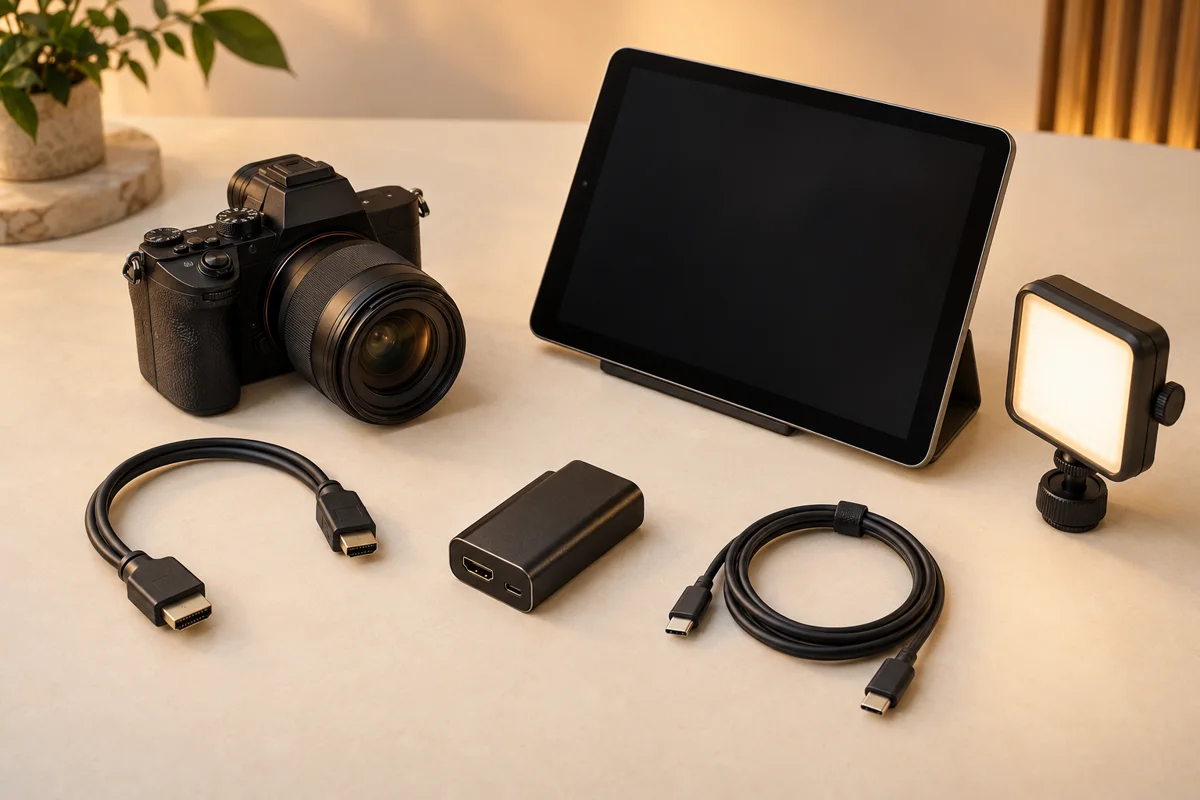
Live feed · external camera
Your camera
Clean HDMI out
Capture adapter
HDMI → USB-C
ShutterTrax booth
Preview, countdown, capture
Mirrorless & DSLR
Any camera with a clean HDMI output, through a USB capture adapter.
USB webcams
Plug-and-play video cameras your tablet recognises.
Switch per event
Front, rear or external, or let the booth pick the best one available.
Guided setup
Step-by-step help for connecting a camera, right inside the app.
External cameras are included with Pro and need a tablet that supports USB video devices.




GIF · loops forever
Every session comes back to life.
Alongside the photo strip, ShutterTrax loops each group’s shots into an animated GIF. It’s made automatically and lands on their phone moments after the strip. Included with Creator and Pro.
- Made from every photo in the session
- Shared on the same QR link as the strip
- Kept in your gallery and the event download
Guests choose the look. On their own phone.
No more deliberating at the booth while the line grows. Guests scan the QR, try Black & white, Film or Warm on their phone, and save the one they love. Your gallery keeps the booth’s filter.
STEP 1
Pose & shoot
STEP 2
Scan the QR
STEP 3
Pick & save
Prefer it at the booth? Choose per event: at the booth, on the download page, or off.
ShutterTrax
Your photos from Alex & Jamie
Choose a filter
Original
A booth that runs itself.
Set it up, lock it with your PIN and walk away. ShutterTrax greets guests, counts them in, shares their photos and resets for the next group, all night, even when the Wi-Fi drops.
01
Tap to start
Your branded home screen
02
Countdown
Beeps, sound or silent
03
Capture
Flash, shutter, every shot
04
Review
Retakes your way
05
Share
QR code and email
06
Reset
Back home on its own
Locked with your PIN
Guests stay in the booth flow. Settings stay yours.
Resets itself
Idle timeouts send the booth back to its home screen.
Offline-first
Photos queue on the tablet and upload when the connection returns.
Picks up where it left off
Restart the tablet and the booth resumes in kiosk mode.
One app for weddings.

Elegant strips with their names and date.
Every guest has their strip on their phone before the first dance, and the couple gets one album of the whole night.
- Names & date on every print
- Guest filters on their phone
- One QR for the whole album
Design the keepsake, not just the photo.
Place photos, text, your logo and frames on a canvas. Start from a built-in template, choose the print size, and preview it live before the first guest arrives.
- Strips, 4×6 & squares
- Event name & date
- Guest names
- Your logo & frames
- QR on the print
- Branded home screen
Alex & Jamie
12 · 09 · 2026
In their pocket before they’re back at the table.
No app for guests to install, no numbers to hand over. Every photo has its own private link.
A QR on every strip
Guests scan at the booth or from the print to save and share their photos.
Email, with consent
Photos by email, plus an optional opt-in for your mailing list. Queued if the booth is offline.


One QR for the whole event
Share an album of every strip with all your guests, and download it all as one ZIP.
And everything else a working booth needs.
On iPad and Android tablets.
Countdown & sounds
Classic beeps, camera clicks or your own sound.
Retakes your way
None, one photo, the whole session, or unlimited.
Review modes
After each photo, after all of them, or skip for speed.
Guest names on prints
Ask for a name and put it on their strip.
Multiple booths
Run several tablets on one event with Pro.
Brand kits
Keep logos, colours and frames ready for every client.
Event analytics
Sessions, photos and shares for every event.
Privacy on your terms
Photos delete automatically when you choose.
Event saved for offline
Load the event before you arrive; run it with no signal.
Start free. Grow into Pro.
Every plan includes the full booth and the template studio. Prices are shown in the app, in your currency.
Free
Try it at your next party
- Full booth & template studio
- Photos stay on the tablet
- ShutterTrax mark on photos
- Limited events & photos
Creator
Share every moment
- QR & email delivery
- Animated GIFs
- Guest filters on their phone
- No watermark
- Unlimited events & photos
Pro
For working operators
- Everything in Creator
- External HDMI & USB cameras
- Multiple booths per event
- Brand kits
- Longer photo storage
Better booths start here.
Camera advice, honest comparisons and a little preparation for your next event.
ShutterTrax vs LumaBooth
Compare the camera workflows before choosing your next booth app.
Read the guide
Bring your camera to the booth
What to check when connecting a USB webcam or HDMI capture card.
Read the guide
Before the first guest arrives
A practical checklist for the layout, lighting and guest handoff.
Read the guideYour next event deserves a better booth.
Free to download on iPad and Android tablets. Design your first layout in minutes and run a booth that looks after itself.