

Two ways to supply a camera feed
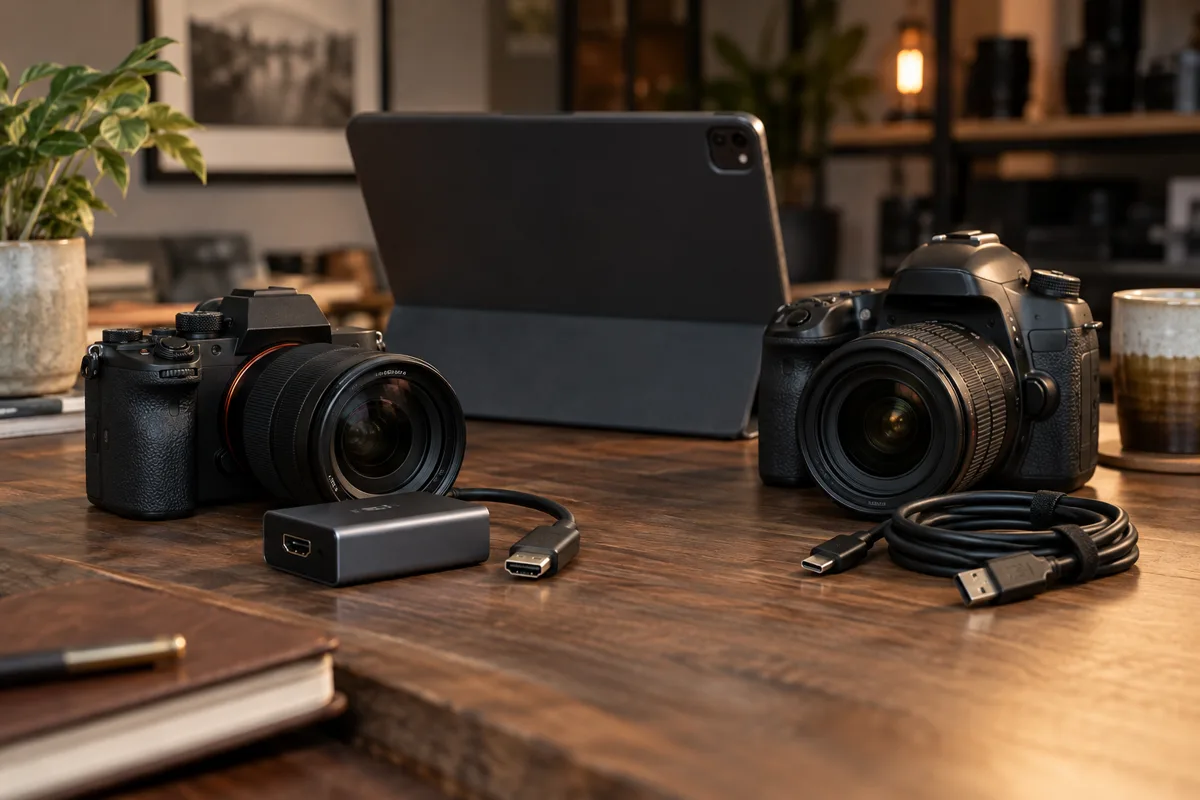
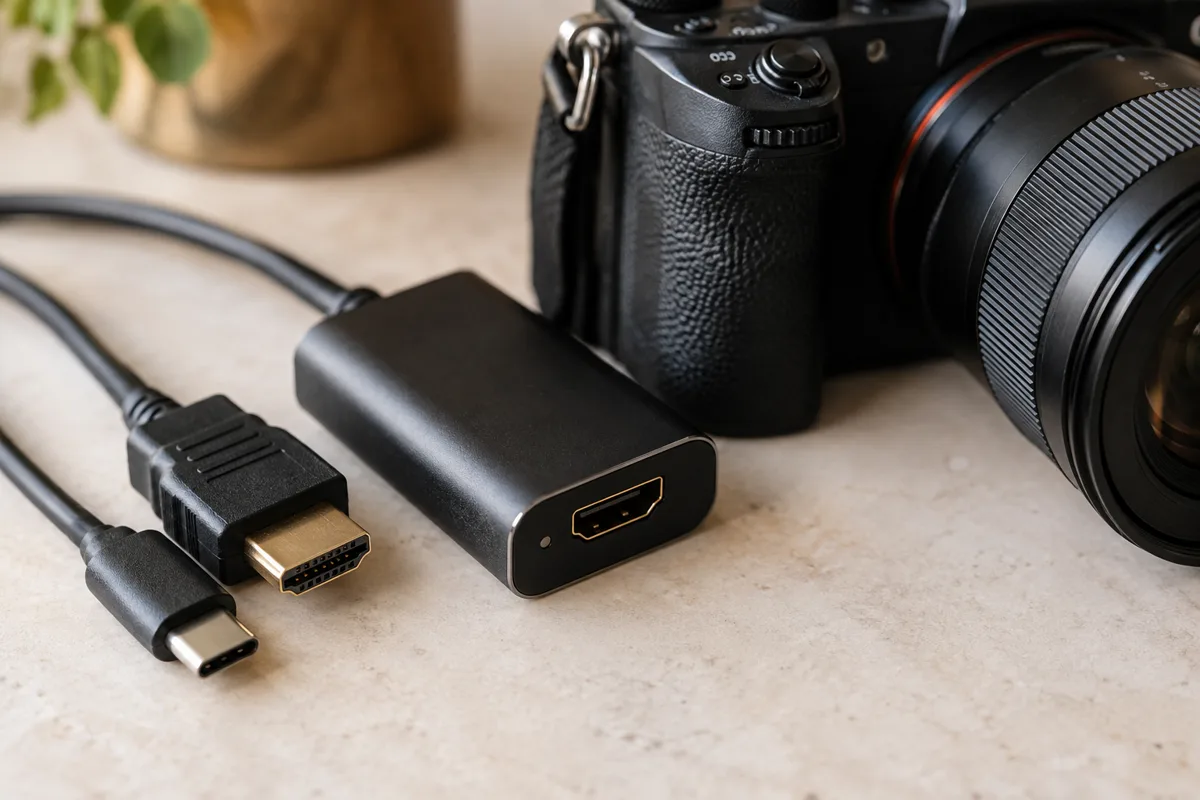
A compatible USB webcam can connect through the tablet’s USB port or a suitable hub. A DSLR or mirrorless camera with clean HDMI output needs an HDMI cable and a capture card that presents the feed as a supported external camera.
ShutterTrax does not need a brand-specific tethering driver for this capture workflow. The tablet must recognise the device and make it available to the app. A USB socket on a camera does not, by itself, mean the camera acts as a webcam.
Check the tablet first
External camera selection requires ShutterTrax Pro. On iPad, use a USB-C model with iPadOS 17 or later. On Android, external input depends on the tablet’s system support for USB cameras. A device that works on a laptop is not automatically available to an Android camera app.
Connect the hardware and open the event’s Hardware tab. Look for the external camera, select it and use Test to take a photo. If it is not listed, check power, camera permissions, the cable and the tablet’s compatibility before changing capture settings.
- Built-in camera
The simplest starting point
- USB webcam
A compatible camera exposed by the tablet
- HDMI camera
Clean output through a compatible capture card
- Test the saved photo
External inputs require Pro
Make the HDMI feed clean and stable
Set the camera to output a picture without focus boxes, exposure numbers or menu overlays. Check its manual for the clean HDMI setting. Use a stable power source and make sure the camera does not sleep halfway through a session.
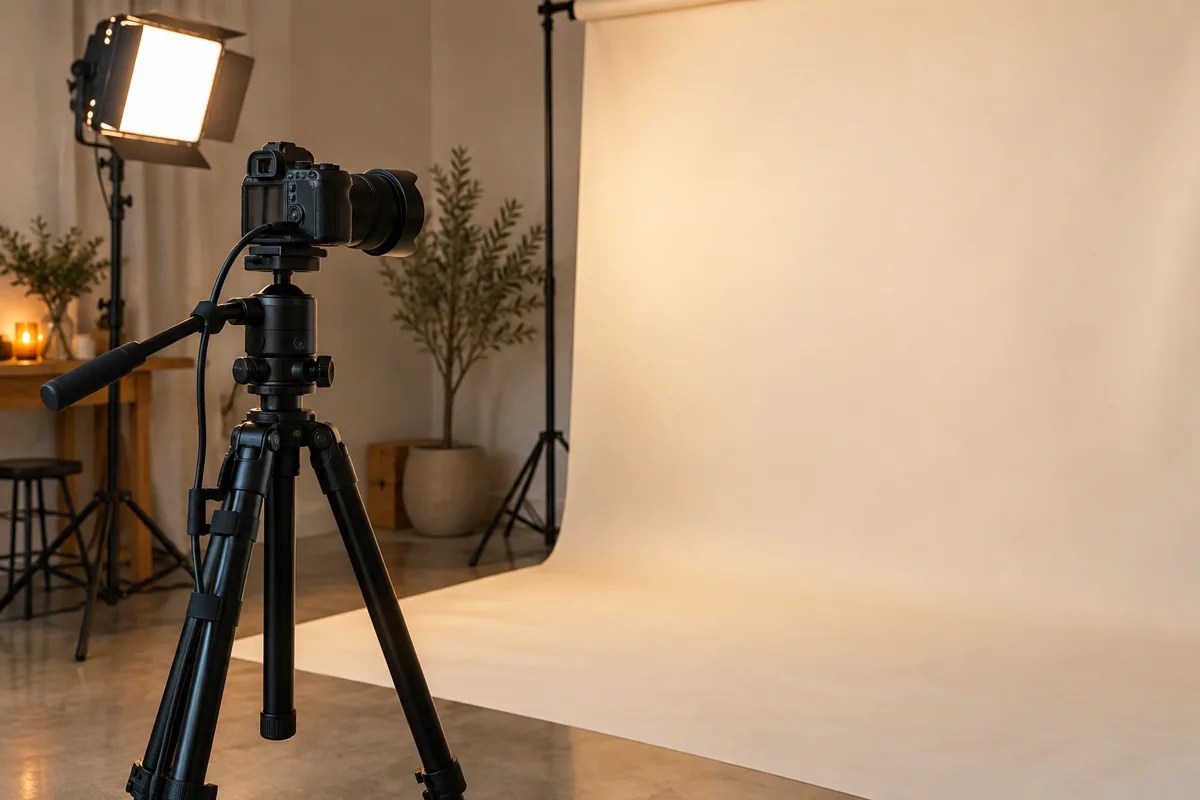
Use continuous lighting when testing a streaming setup. Do not assume an HDMI capture card provides remote shutter control or a synchronised flash trigger. Those are separate requirements to verify with your equipment.
Judge the saved image
Some external devices provide video only. ShutterTrax can use a snapshot of that feed when the device does not offer still capture. The saved photo is therefore limited by the feed, rather than the camera sensor’s headline megapixel count.
Check skin tones, motion blur, sharpness and the crop in your final template. Repeat the test after disconnecting and reconnecting the camera. A reliable event kit is one you have rehearsed with the same cables, power and settings you will use at the venue.
Make your next booth a ShutterTrax booth.
Try the local photo workflow for free. Explore cloud sharing and external camera options inside the app.
Get the app