

The day before: prepare the event
Create the event and confirm the date, names and artwork with the organiser. Build the layout and check spelling at full size. Choose the number of shots and countdown pace for your guests. Leave enough time for a group to change poses.
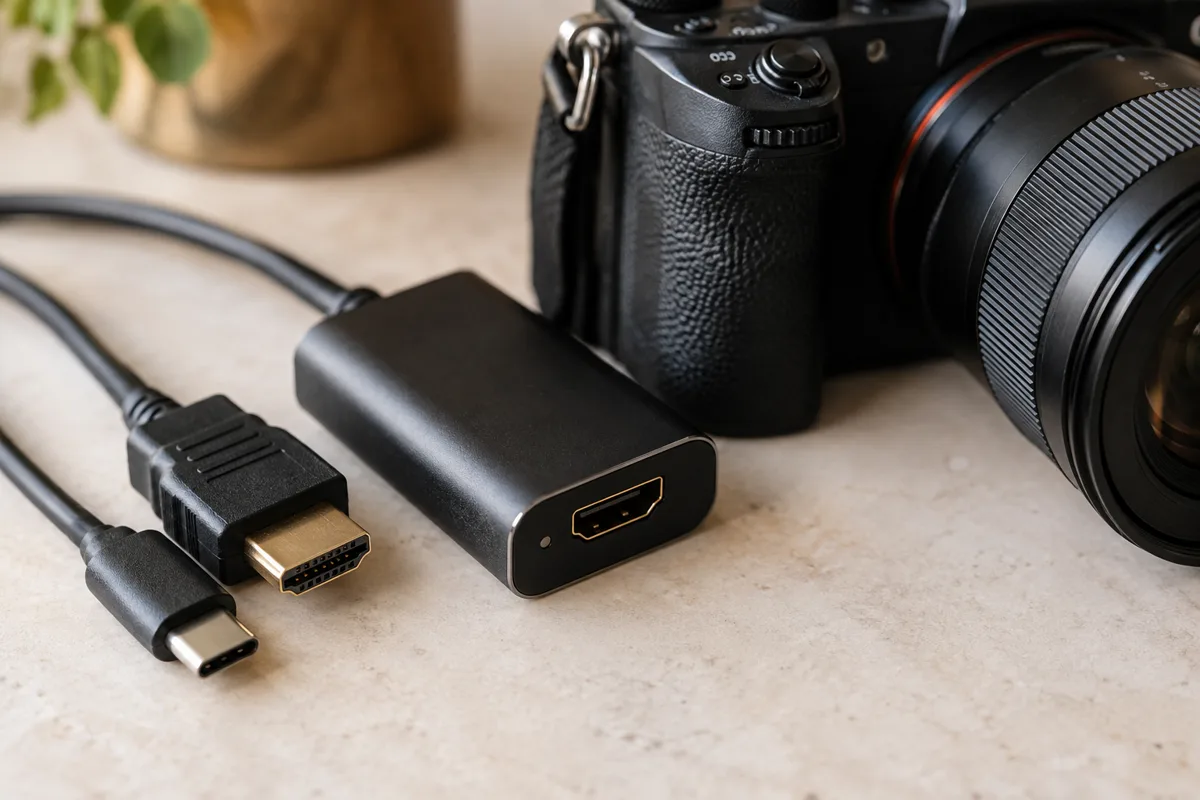
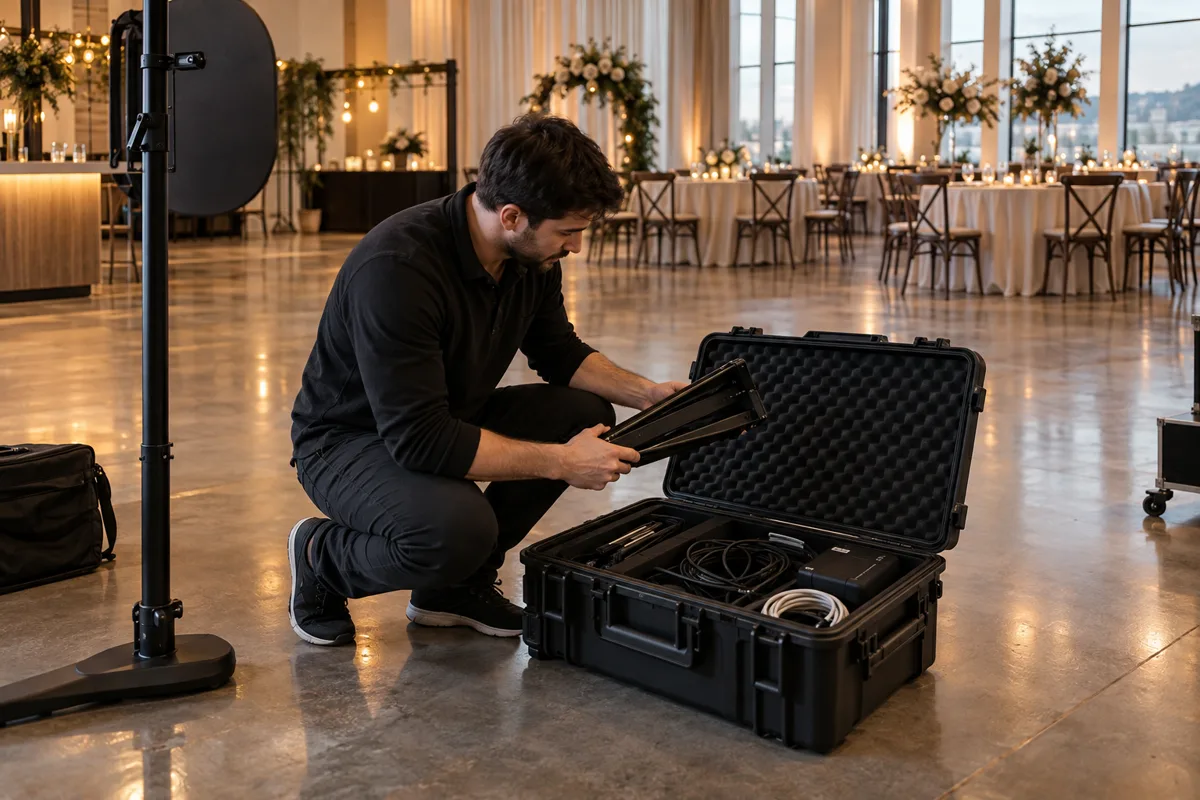
Charge the tablet, check available storage and load the event while online. Keep a copy of the approved artwork and pack the stand, power supply, cables and any tested camera adapters together.
- Approve names, date, logos and layout.
- Choose a plan that includes the sharing and camera features you need.
- Save a full test session and inspect the final photo.
- Confirm when cloud photos expire under your current plan.
At the venue: arrange the space
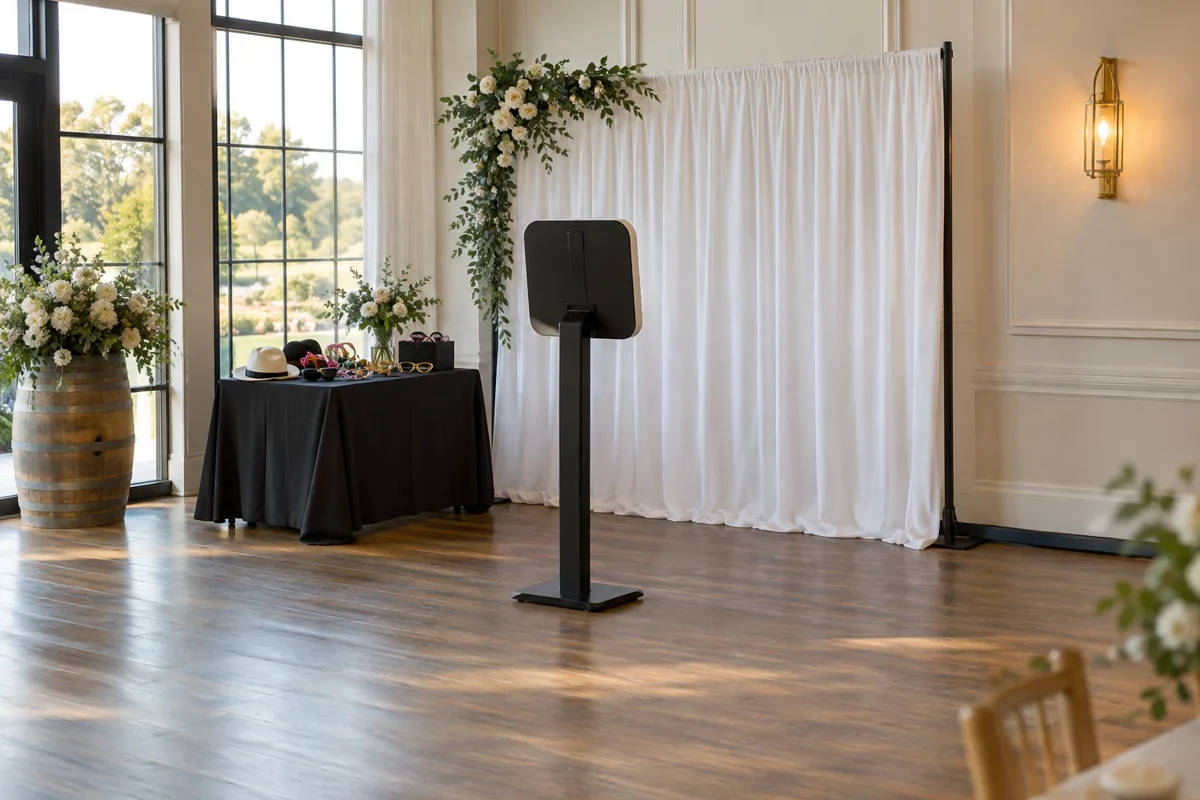
Place the booth where guests will notice it, with space for a queue that does not block staff or exits. Secure the stand and route cables away from feet. Avoid a bright window behind the group unless you can control the light.
Set the camera height for the people using it. Test a short guest, a tall guest and a group. Keep the background far enough behind them to reduce strong shadows and leave room for anyone using a wheelchair to join the photo.
- Frame
Put a group in the finished layout
- Capture
Take the complete photo sequence
- Disconnect
Test a prepared session without Wi-Fi
- Deliver
Reconnect and check the result on a second device
Before opening: rehearse the whole session
Start from the guest screen. Take every photo in the sequence and check the finished layout for clipped faces, reversed text and unreadable captions. Enter and exit locked booth mode with the Admin PIN.
For a cloud plan, let the session upload and open its gallery from another device. Switch Wi-Fi off and take another session, then reconnect and confirm the queue clears. A camera test alone does not tell you whether the handoff works.
After the event: finish the uploads
Keep the tablet charged and connected until pending sessions have uploaded. Review any queue error before packing the device away. Confirm that the gallery opens and tell the organiser how long the photos will remain available under the current plan.
Clear local files only after checking that the photos you need are safely stored or delivered. Write down any issue with cables, lighting or guest flow while it is fresh, then improve that part of the kit before the next booking.
Make your next booth a ShutterTrax booth.
Try the local photo workflow for free. Explore cloud sharing and external camera options inside the app.
Get the app