


Prepare while you are connected
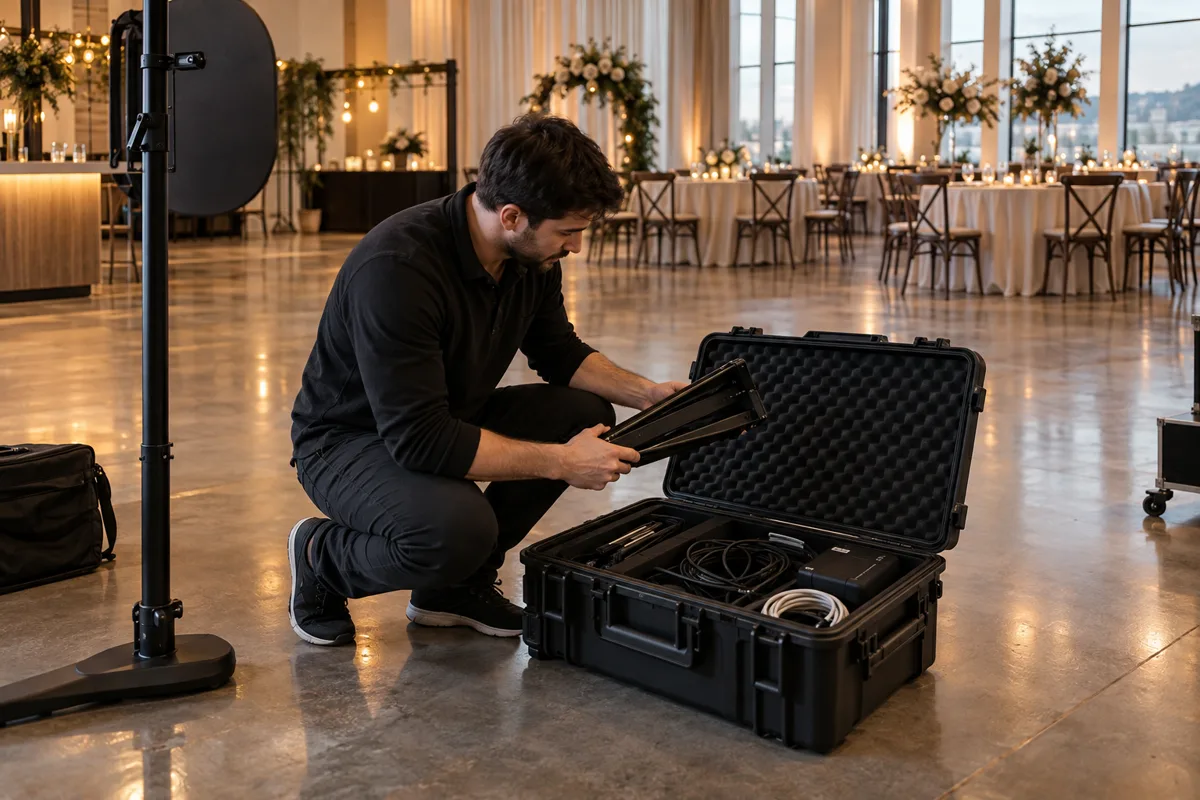
Sign in, create the event and load it on the booth tablet before relying on offline capture. Check that the layout and the images it uses are present. Make a complete test session while you still have time to fix missing artwork or camera permissions.
Offline capture is a prepared workflow. It does not mean you can create an account, fetch new event artwork or open an online gallery without a connection.
Capture locally, upload when the connection returns
ShutterTrax keeps captured photos and queued sessions on the device. When a cloud-enabled plan has a connection again, the upload engine can resume sending those sessions. Free keeps photos local and does not include cloud storage.
Keep enough free storage for the event and watch the device’s power. A local queue depends on the tablet keeping its files. Do not uninstall the app or clear its data while there are photos waiting to upload.
- Prepare online
Load the event and artwork
- Capture locally
Keep the session on the tablet
- Reconnect
Uploads resume on a cloud plan
- Deliver
Guests can open uploaded photos
Be clear about what guests can access
An online gallery and email delivery need network access and a plan that includes those features. If the venue connection is down, guests may need to wait for their photos to upload before the gallery can show them.
Explain the handoff simply: the booth can keep taking photos, and online delivery follows when the tablet reconnects. Avoid promising immediate delivery in a room where you have not tested the connection.
Use a short outage test before every booking
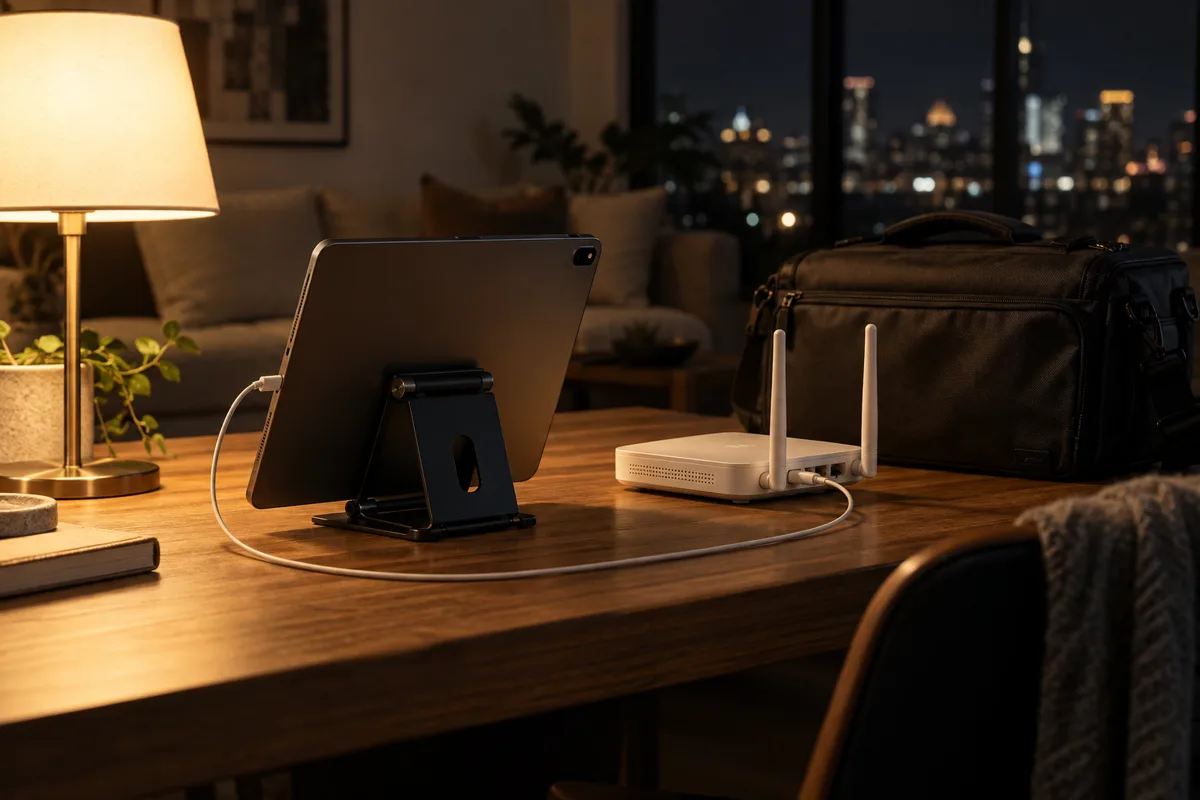
Load the event, disable Wi-Fi and capture a complete session. Check that the photo is saved locally. Reconnect the tablet, inspect the queue in Hardware and verify the uploaded result from a second device if your plan includes cloud storage.
After the event, leave the tablet powered and connected until the queue has finished. If an upload fails, read the queue message and resolve it before removing any local files. This final check is part of closing the booth, not an optional cleanup job.
Make your next booth a ShutterTrax booth.
Try the local photo workflow for free. Explore cloud sharing and external camera options inside the app.
Get the app