

Set the look before the doors open
Create an event, choose the capture settings and build a photo layout with your own images and text. Keep names, dates and logos away from faces. Take a complete test session before the first guest arrives, then check the finished result on the tablet.
For a wedding, a simple strip with the couple’s names leaves room for the photos. For a company party, use the event artwork and a clear logo. The same editor lets you prepare a different look for each booking.
Keep taking photos when the connection drops
Prepare and load the event while you have a connection. During the booth session, ShutterTrax saves captures on the device and queues uploads. On a plan with cloud storage, uploads resume when the tablet reconnects.
This keeps the camera session moving through a patchy connection. Online galleries and email delivery still need internet access. Allow time after the event for the upload queue to finish before clearing local photos.
- Frame
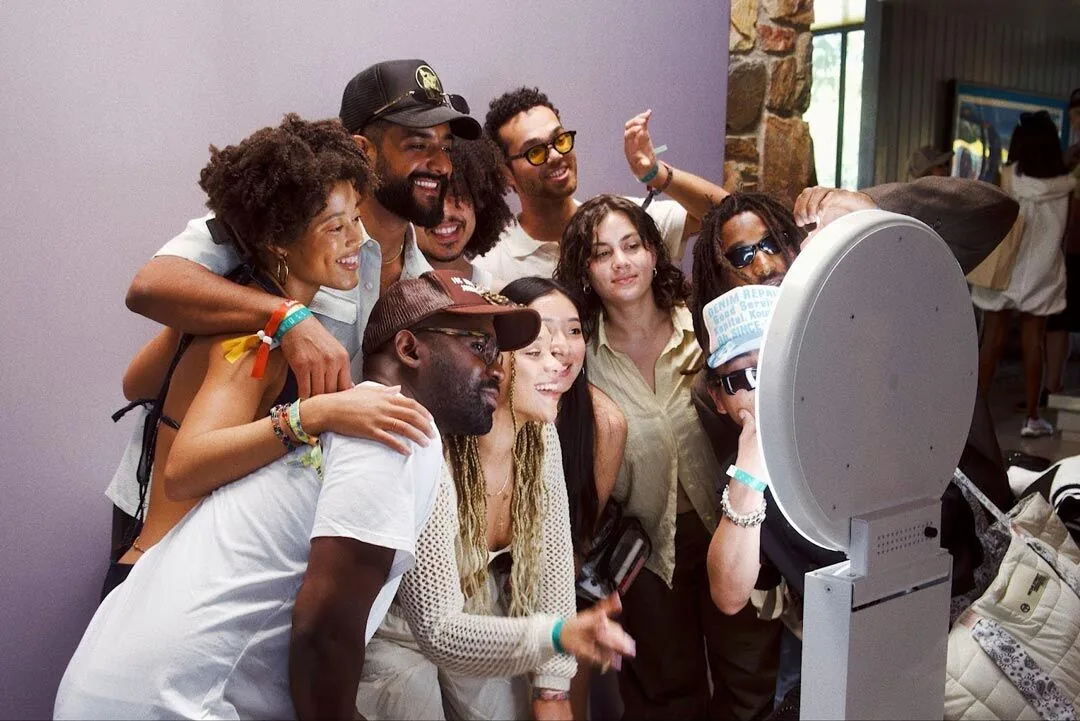
Put a group in the finished layout
- Capture
Take the complete photo sequence
- Disconnect
Test a prepared session without Wi-Fi
- Deliver
Reconnect and check the result on a second device
Give guests a simple way to find their photos
Creator and Pro include cloud storage and email delivery. Guests can use the QR gallery workflow to reach uploaded photos. Free keeps photos on the booth tablet, making it a useful place to try your setup before choosing a paid plan.
Lock booth mode with your Admin PIN so guests stay in the capture flow. Keep the PIN with your operator and test the exit process before leaving a booth unattended.

Pack for the room you are walking into
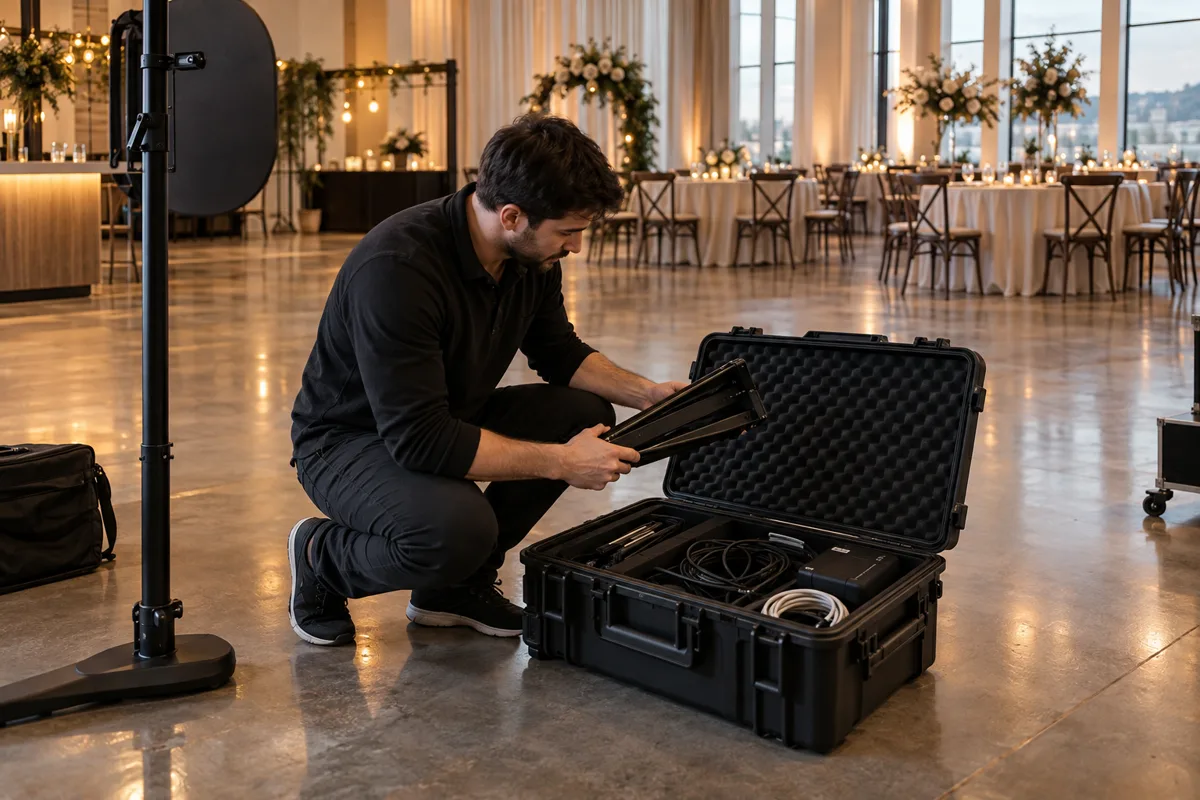
A stable tablet stand, reliable power and even lighting matter more than a long prop list. Position the booth where guests can see it without blocking a doorway. Leave room for a group to stand back from the lens.
- Test one person and a group in the actual light.
- Keep power cables out of the guest path.
- Load the event and check free storage before opening.
- Run a session with Wi-Fi off, then reconnect and check the queue.
- Plan a digital photo experience. In-app printing is still coming soon.
A few common questions
Is ShutterTrax a photo booth rental service?
ShutterTrax is photo booth software for iPad and Android tablets. You supply the tablet, stand, lighting and any external camera.
Can I use it at a venue without Wi-Fi?
Load the event in advance. Capture can continue offline; cloud uploads, galleries and email delivery need a connection.
Make your next booth a ShutterTrax booth.
Try the local photo workflow for free. Explore cloud sharing and external camera options inside the app.
Get the app