


Begin with the light near the camera
Start with a soft, steady light close to the lens, slightly above eye level. This gives you an easy baseline before moving the light to create more shape. The larger the light appears from the guest’s position, the softer the transition into shadow tends to be.
Avoid relying on a ceiling spotlight. It can leave eyes in shadow while lighting the forehead. Turn your own light on and inspect the saved image, not just the brighter preview screen.
- Light
Near the lens and slightly higher
- Guests
A comfortable step away from the backdrop
- Test photo
Check eyes, skin and shadows
Check the edge of the group
A light that flatters one person may leave the outer guests dark. Ask three people to stand where a real group will stand. If the sides are noticeably darker, adjust the light and framing before reaching for exposure controls.
Give the guests space in front of the background. Standing directly against it makes shadows more obvious and gives you fewer options for moving the camera.

Deal with glasses and mixed colours
If a light appears in someone’s glasses, change its height or angle and retest. Ask the guest to keep a natural head position. Moving the equipment is more repeatable than asking every person to tilt their face.
Watch for coloured venue lights landing on one side of the face. Move the booth out of that spill where possible. Check white balance and skin tones with the final background in place.
Test the capture mode you will actually use
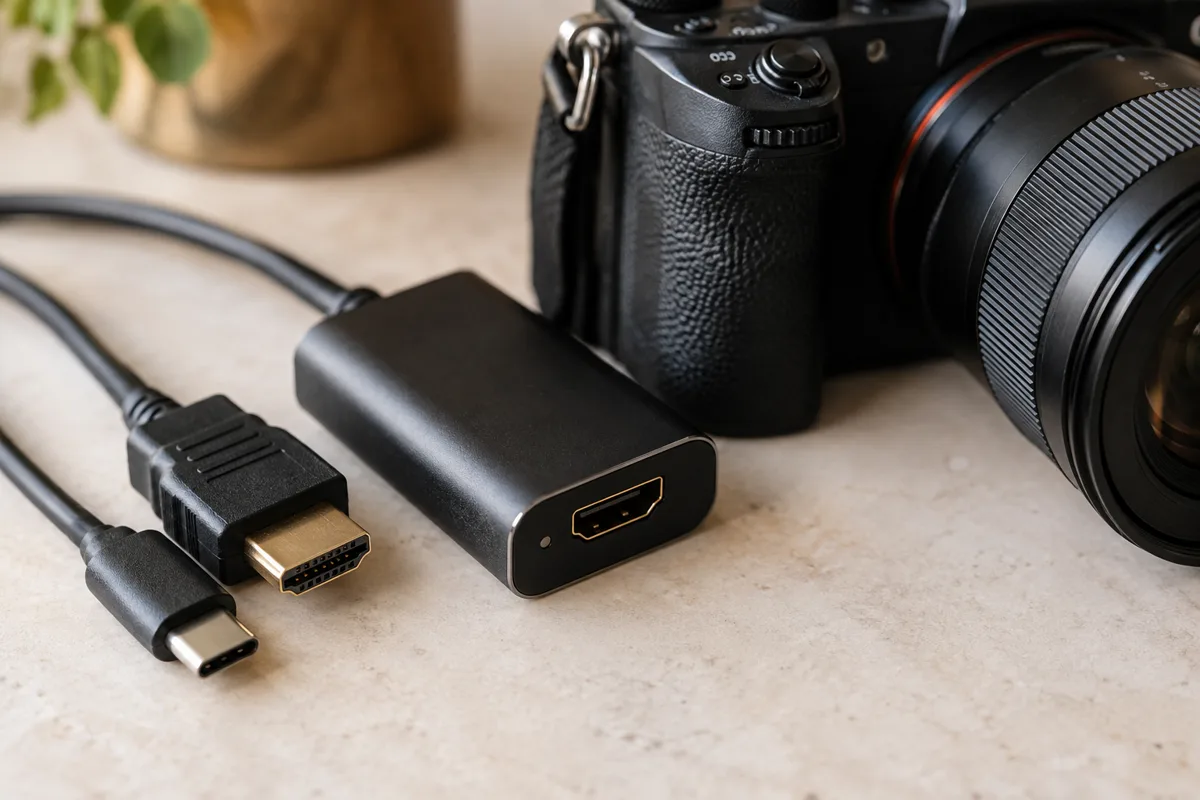
A continuous light is a straightforward starting point for a tablet camera or an HDMI video feed. Do not assume a capture card can trigger a studio flash. Flash synchronisation requires a compatible camera and control path.
Take a photo while guests move slightly between poses. If faces blur, improve the light and check the camera settings rather than judging only a perfectly still test subject. Keep that test image as a reference when you arrive at the next venue.
Make your next booth a ShutterTrax booth.
Try the local photo workflow for free. Explore cloud sharing and external camera options inside the app.
Get the app