

Test with a second phone
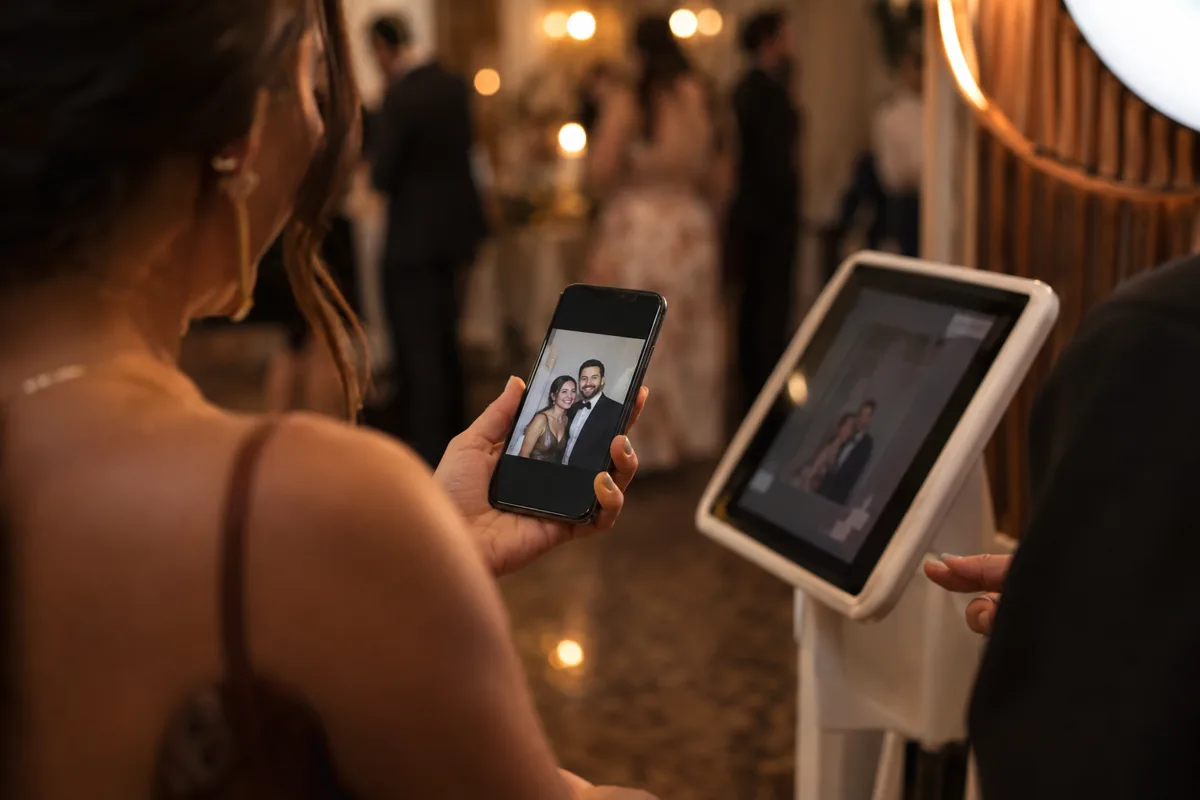
After taking a session, let it upload and open the sharing destination from a separate phone. This catches problems the booth tablet cannot show you, such as a poor mobile connection or an instruction that makes sense only to the operator.
In ShutterTrax, cloud storage and email delivery are included with Creator and Pro. Free keeps photos on the booth device, so choose the plan before promising an online handoff.
- Capture
The booth saves the session
- Upload
A cloud plan sends it when online
- Open
The guest follows the QR sharing flow
- Keep
They access their available photos
Keep the instructions next to the action
Tell guests what to do in one short sentence. Put the instruction where they are looking when the session ends. Avoid a long explanation of the gallery system during the busiest moment.
Allow the person to finish scanning before the next group crowds the screen. If you are running an attended booth, the operator can keep the line moving while confirming the handoff.

Make delayed delivery understandable
An offline capture can be safe on the tablet while its online copy is still waiting. A QR code does not create an internet connection. Galleries need the upload to finish before they can display the new photos.
If the venue is offline, explain when guests can expect the photos to become available. Keep the tablet powered and connect it again as soon as practical.
Know when the gallery expires
Check the retention rules for the chosen plan and event. Tell the organiser how long the online photos remain available, so they can communicate that clearly to guests.
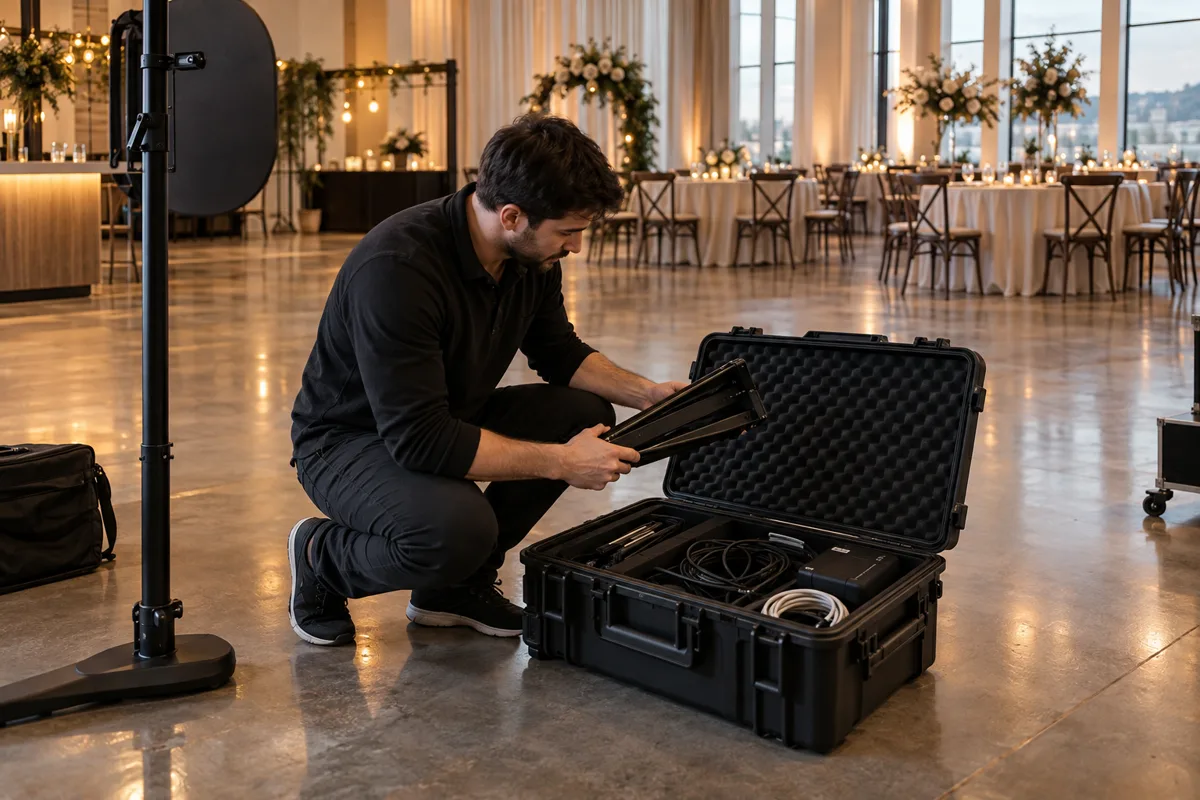
Confirm the queue is complete before clearing local files. The final delivery check belongs on the event checklist alongside packing the camera and stand.
Make your next booth a ShutterTrax booth.
Try the local photo workflow for free. Explore cloud sharing and external camera options inside the app.
Get the app