

The connection is the important difference
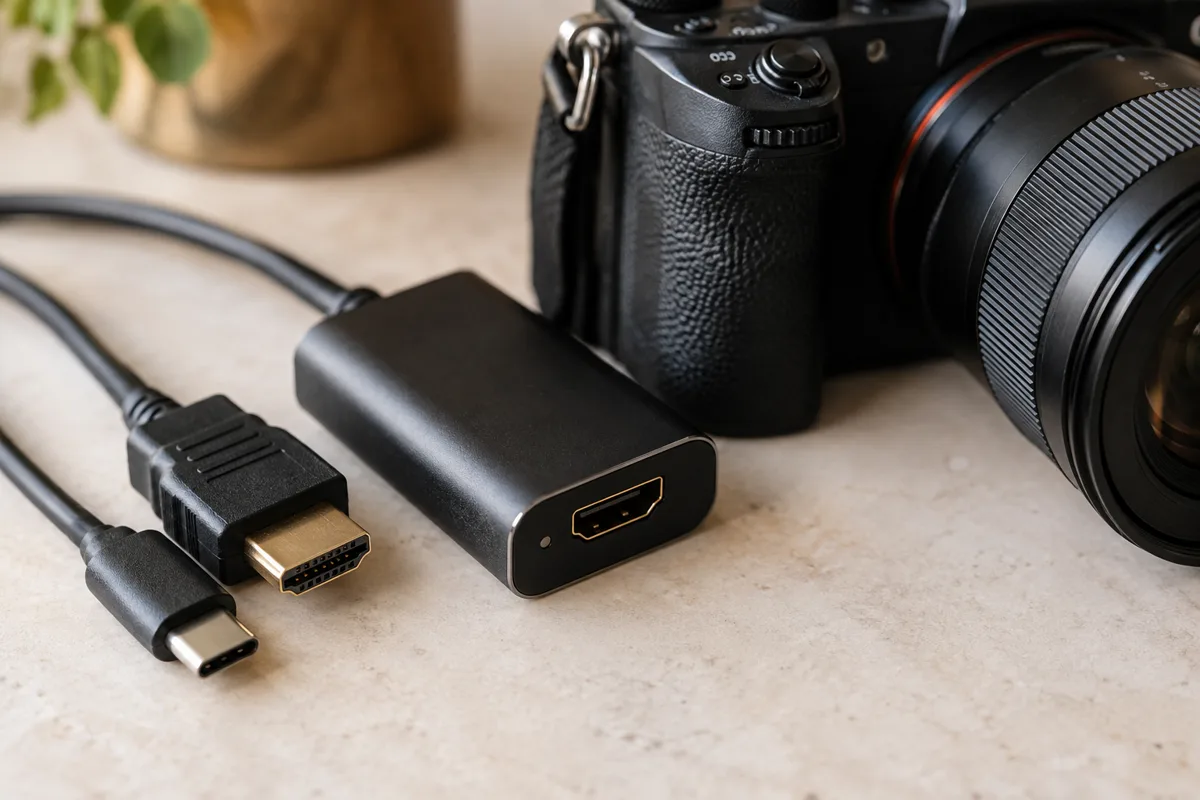
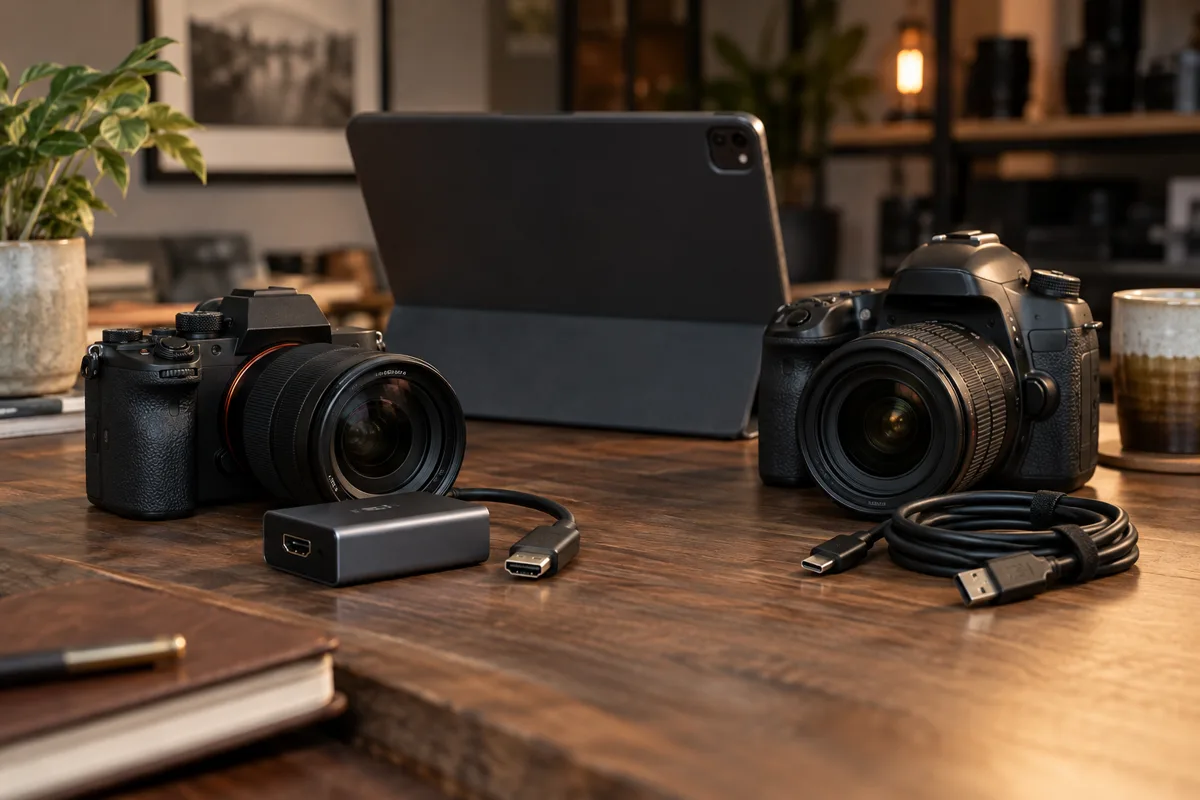
ShutterTrax Pro uses cameras exposed by the tablet’s operating system. That includes compatible USB webcams and HDMI capture devices. With a suitable capture card, a camera with clean HDMI output can become the feed for the booth.
LumaBooth documents direct USB support for selected Canon, Nikon and Sony cameras. It also supports built-in cameras. Its official guide lists model, operating system and connection requirements, so check that list against the camera you own.
- Creator: $29.99 a year
Offline capture, custom countdown audio and digital sharing on Android and iOS.
- Pro: $99.99 a year
Saved brand kits, compatible external cameras and unlimited booth tablets.
Five plans, side by side
Published USD prices · checked 5 October 2026
Scroll across to compare every app. Annual equivalents are labelled separately from monthly billing.
| Compare | ShutterTrax Creator | ShutterTrax Pro | LumaBooth | Snappic Starter | Touchpix PhotoPass |
|---|---|---|---|---|---|
| Plan price | $2.99 / month | $9.99 / month | $19.99 / month | $69 / month | $439.90 / year |
| Annual billing | $29.99 / year (about $2.50 / month) | $99.99 / year (about $8.33 / month) | $18 / month equivalent, billed annually | 20% annual saving advertised | $36.66 / month equivalent |
| Mobile platforms | Android and iOS / iPadOS | Android and iOS / iPadOS | Apple and Android; features vary | iOS; Android not supported | iOS and Android; features vary |
| Works offline | Yes: prepared capture; upload later | Yes: prepared capture; upload later | Offline workflows supported | Yes: prepared capture; upload later | Offline event workflows supported |
| Custom sound effects | Yes: upload countdown audio | Yes: upload countdown audio | Custom virtual attendant audio | Custom countdown audio not verified | Custom beep replacement documented |
| Custom presets / LUT import | LUT import coming soon; built-in filters available | LUT import coming soon; built-in filters available | Custom LUT import supported | Custom video LUTs through VideoFX; higher tier | Custom LUT import not verified |
| Booth devices | 1 booth tablet by default | Unlimited booth tablets | First 2 devices | 1 booth license | Unlimited devices; 2 active events |
| Photo layouts | Custom layout and frame editor | Custom layout and frame editor | Custom layouts | Template designer | Custom overlays |
| External cameras | Built-in tablet cameras only | Compatible USB / HDMI input | Supported Canon, Nikon and Sony on Apple | DSLR and GoPro integration | Check device compatibility |
| Cloud sharing | QR gallery and email delivery | QR gallery and email delivery | Basic fotoShare included | Text and email; microsite costs extra | Cloud sharing included |
| Photo retention | 30 days by default | 90 days by default | Check fotoShare plan | Check storage terms | Check storage terms |
| GIFs | Included, after upload | Included, after upload | Included | Included | Included |
| Saved brand kits | Available with Pro | Yes: save and reuse logos and colours | Check branding tools | Check branding tools by tier | Check branding tools |
| Video / boomerang | Coming soon | Coming soon | Included; camera limits apply | Burst included; VideoFX on Business | MultiPass upgrade |
| Printing | Coming soon | Coming soon | Supported printing workflows | Print workflows; verify USB availability | Check printer and platform support |
| When to consider it | One tablet, custom layouts and digital sharing | External cameras, multiple booths and reusable branding | Broader capture and print workflows | Event services and higher-tier brand tools | Several devices across active events |
ShutterTrax annual subscriptions are billed as $29.99 for Creator or $99.99 for Pro. Monthly equivalents are rounded, not monthly payment options. Default storage periods can be shortened by event settings. Offline capture needs an event prepared in advance; cloud delivery needs internet. “Not verified” does not mean a competitor lacks the feature. Prices are not for identical feature bundles. Confirm the required plan, device support and final checkout amount before purchase.
Where ShutterTrax is worth a look
Consider ShutterTrax if you want an iPad or Android tablet workflow with template editing, local capture and a path to external camera input through compatible USB or HDMI hardware. You can try the built-in camera workflow on Free before choosing a paid plan.
The HDMI approach can be useful when a camera offers a clean video output but is outside another app’s direct USB model list. Compatibility still depends on the whole chain: camera output, capture card, adapter, power and the tablet’s camera support. There is no reliable promise that every camera will work.
- Frame
Put a group in the finished layout
- Capture
Take the complete photo sequence
- Disconnect
Test a prepared session without Wi-Fi
- Deliver
Reconnect and check the result on a second device
When direct camera control matters
An HDMI capture feed is not the same as downloading a full resolution still from a camera over USB. Check whether you need camera controls from the tablet, a particular output resolution or a flash workflow. ShutterTrax’s streaming inputs may save a frame from the feed when still capture is unavailable.
If your existing setup relies on LumaBooth’s supported direct USB connection, test that workflow alongside ShutterTrax before changing apps. Compare the actual exported photos at the size guests will receive.

Compare a complete guest session
Build the same layout in both apps and photograph the same group under the same light. Check how easily guests start a session, whether the framing stays consistent and how the final photos reach them.
In ShutterTrax, external cameras require Pro. Cloud galleries and email delivery require Creator or Pro. In-app printing is still coming soon, so it should not be the reason to switch today. Check current plan details inside each app before subscribing.
- Confirm the exact tablet, camera and adapter combination.
- Inspect a saved photo, not only the live preview.
- Test a full session without venue Wi-Fi.
- Check sharing after reconnecting.
- Choose the workflow that meets the requirements of your next booking.
Reference: LumaBooth’s official supported camera and setup guide. Checked 5 October 2026.
Make your next booth a ShutterTrax booth.
Try the local photo workflow for free. Explore cloud sharing and external camera options inside the app.
Get the app