

It gives people an easy way to join in
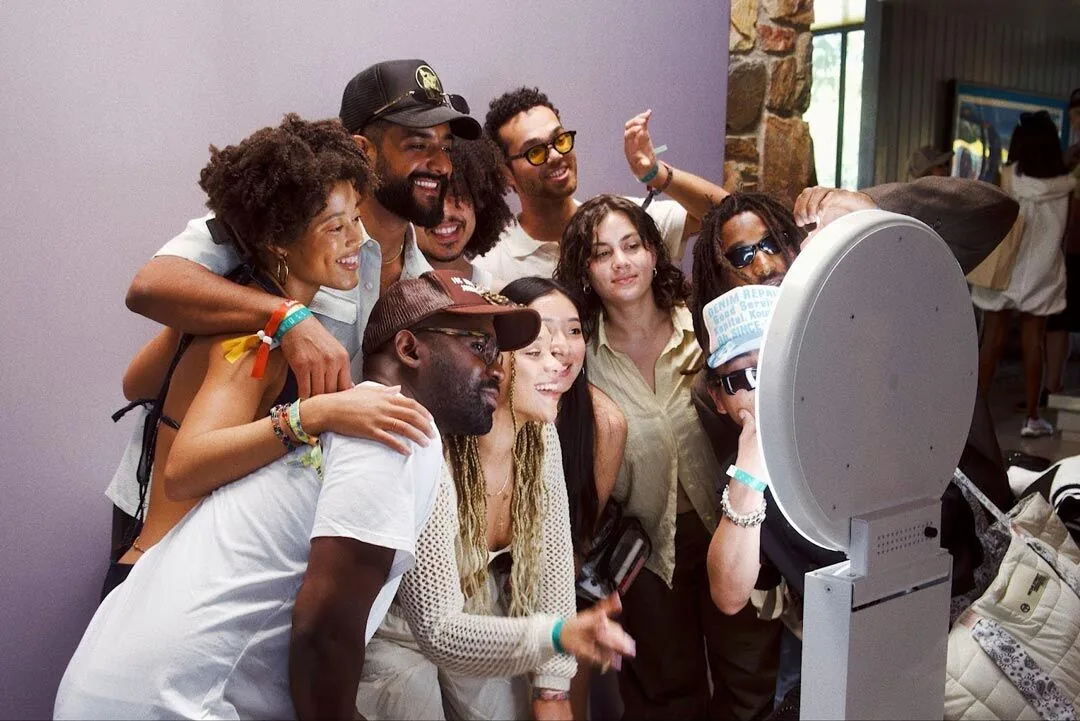
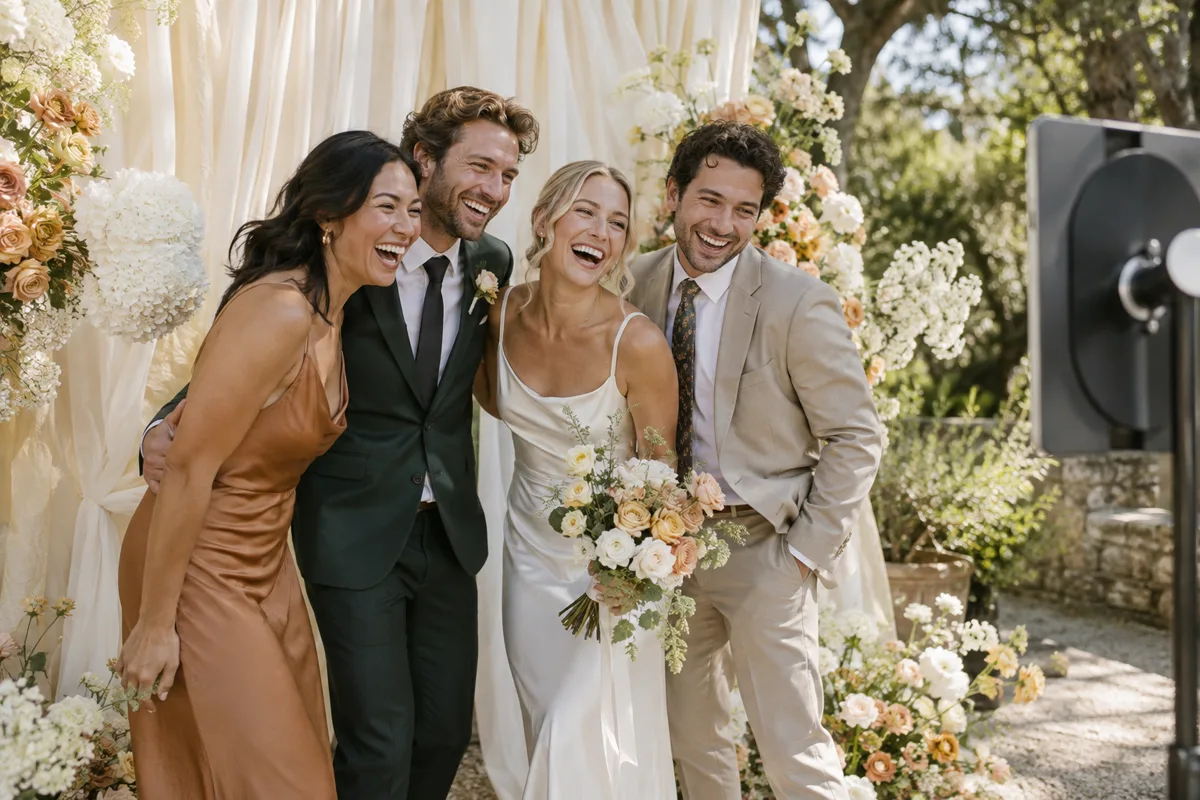
At a wedding, some guests know only the couple. At a company event, colleagues may have spent the day in different rooms. A booth gives them a shared activity that needs little introduction: step in, choose a pose and see what comes out.
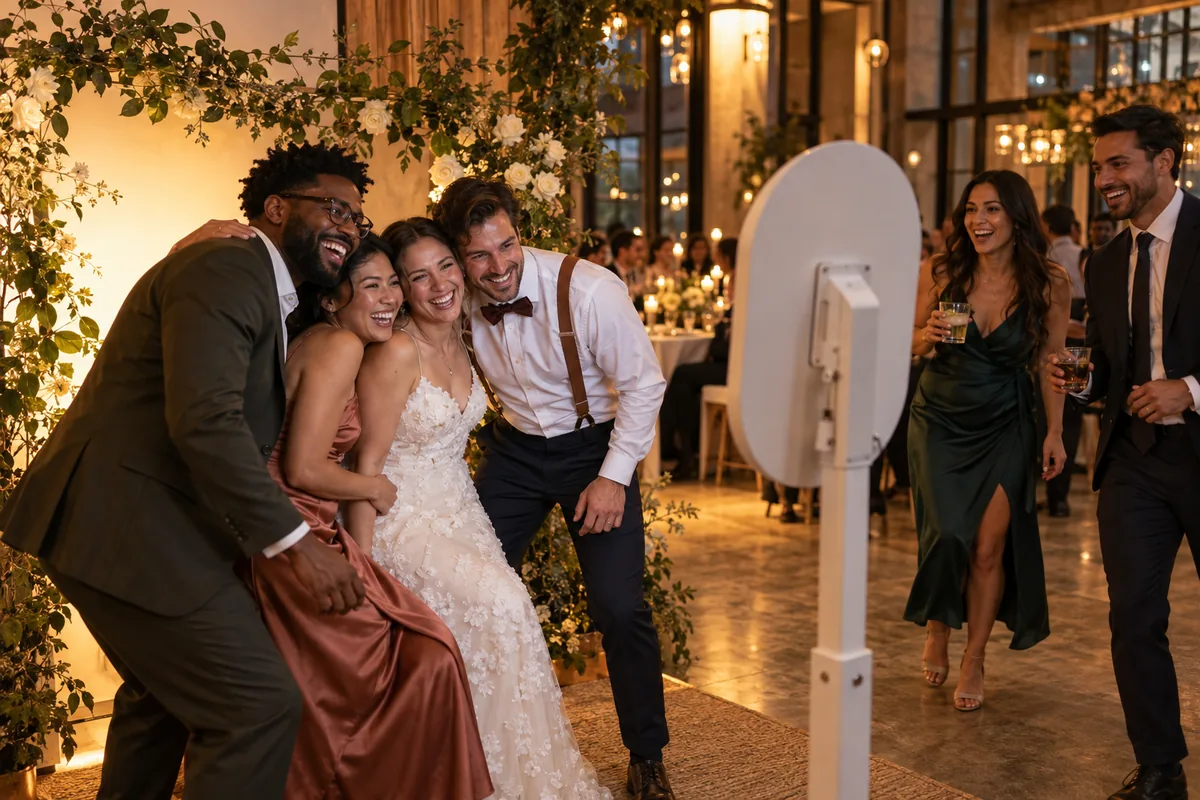
That low pressure invitation matters most early in the event. Place the booth along a route people already take, with enough space to pause and watch. One group enjoying it often shows the next group how to begin.
- Notice
Guests see another group having fun
- Join
Friends and new acquaintances pose together
- Share
The finished photo starts another conversation
It catches a different kind of memory
An event photographer follows the important moments. A booth makes space for the ones guests invent themselves: siblings trying the same pose, coworkers laughing at a strip or friends returning for a second round later in the night.
Those photographs complement the formal record of an event. They also give guests a reason to participate instead of only watching. Keep the backdrop, lighting and instructions simple so the people remain the interesting part.
- Frame
Put a group in the finished layout
- Capture
Take the complete photo sequence
- Disconnect
Test a prepared session without Wi-Fi
- Deliver
Reconnect and check the result on a second device
A keepsake travels beyond the venue
A good photo becomes something guests can revisit. A digital strip is easy to save; a physical print can go on a desk or refrigerator. When the setup supports it, an animated GIF adds another playful version of the same session.
Decide on the handoff before the event. With ShutterTrax, Creator and Pro can share uploaded photos through a QR gallery and make optional GIFs from sessions with at least two photos. GIFs are made after upload, so they need a connection. Pro can print through a compatible printer. The Free plan keeps photos on the booth tablet and supports direct local sharing.

It can feel like part of the event
The booth should suit the occasion. At a wedding, a restrained date or motif on the strip can tie the photos to the celebration. At a company party, approved artwork can identify the event without covering faces. At a family gathering, a clean background and flattering light may be all the design needed.
Think about who can use it. Leave a clear route and room for guests who are seated or use a wheelchair. Set the camera at a practical height, and test a group portrait as well as a single person. A booth that is easy to approach will be used more often than one that only looks good in a setup photo.
Make the experience worth the space it takes
A photo booth is useful when it has a clear role in the event: helping guests mix, offering an activity between scheduled moments or giving them a personal keepsake. Before booking equipment, ask where it will sit, when guests will encounter it and what they will receive afterward.
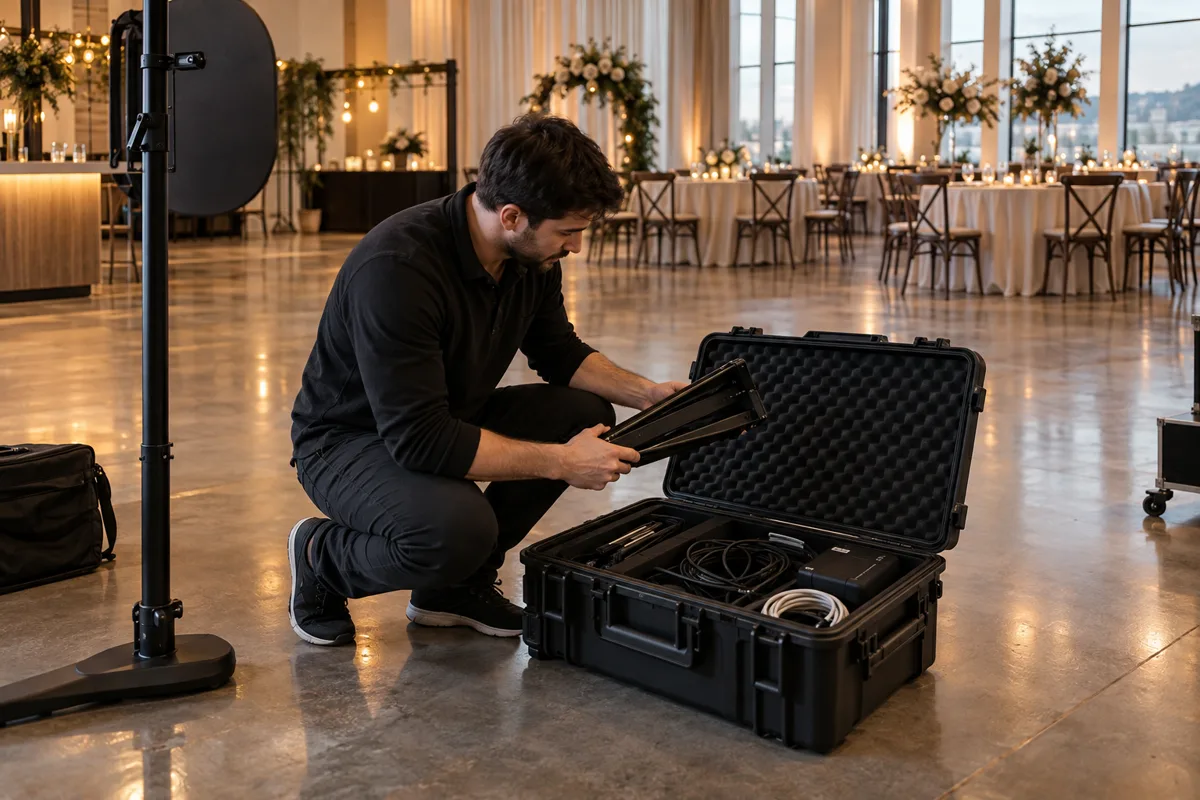
Rehearse the whole path with the final layout, lighting and delivery method. At a venue with uncertain Wi-Fi, prepare the event in advance and test offline capture. Online galleries and GIFs appear after uploads finish. If you promise prints, test the printer and paper too. The quality of that small experience is what makes the booth memorable.
- Place
Visible, accessible and outside the main walkway
- Capture
A full session with a real group
- Keep
A tested strip, print or sharing path
- Close
Uploads and print jobs checked before packing
A few common questions
What is the point of a photo booth at an event?
It gives guests an easy shared activity and a personal photo to keep. Its value depends on placement, lighting and a reliable way for guests to receive their pictures.
Is a photo booth worth it for a small event?
It can be, especially if guests will enjoy a shared activity or keepsake. Keep the setup proportional to the space and test the full experience before deciding.
Can guests get printed photos or GIFs with ShutterTrax?
Pro supports on-site printing with a compatible printer. Creator and Pro can make optional GIFs from sessions of at least two photos after upload.
Make your next booth a ShutterTrax booth.
Try the local photo workflow for free. Explore cloud sharing and external camera options inside the app.
Get the app